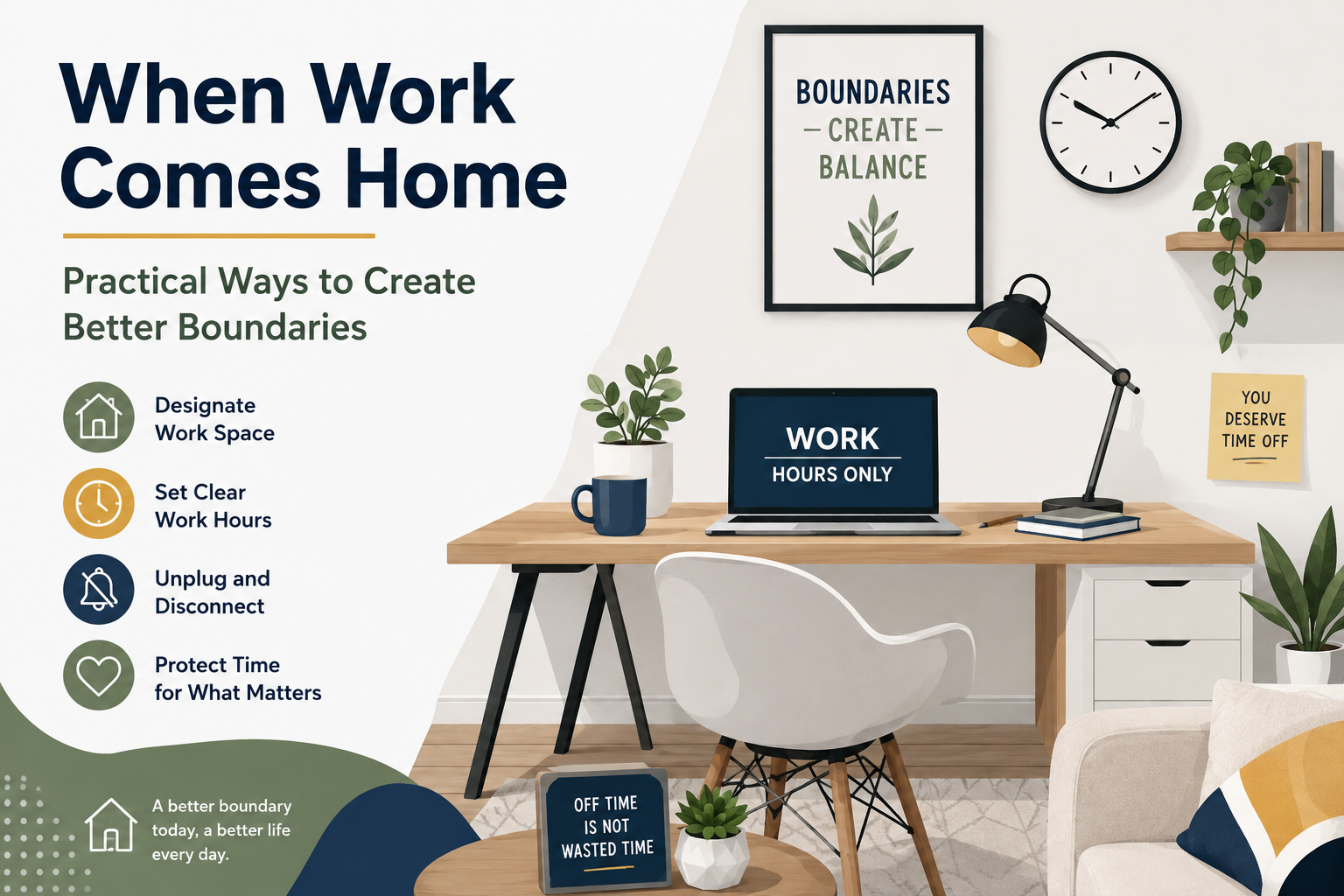
For many people, working from home has changed the traditional idea of leaving work behind at the end of the day. Instead of walking out of an office, employees may simply close a laptop and remain in the same room. A work email can arrive during dinner, a message can appear while watching television, and an unfinished task can remain visible on a desk long after the official workday is over.
This convenience can gradually blur the line between professional and personal life. What starts as checking one quick message can become another hour of work. Over time, the feeling of always being available can make it harder to relax, spend time with family, enjoy hobbies, or simply disconnect.
Creating boundaries does not mean becoming unavailable or refusing to be flexible. Instead, it means establishing reasonable habits that make it easier to switch between work mode and personal mode.
The right boundaries will look different for everyone. A parent working around family responsibilities may need a different routine from a freelancer with flexible hours or an employee with fixed company hours. The goal is to create a system that fits real life rather than following a perfect schedule that is difficult to maintain.
Boundaries Make Flexibility More Sustainable
A flexible work arrangement works best when people know when they are working, when they are available, and when they are allowed to step away.
Give Your Workday a Clear Beginning
One of the easiest boundaries to create is a consistent starting routine.
When the workplace and home are in the same location, there may be no obvious moment that tells your brain it is time to begin working. You can create that signal yourself.
Start with a simple sequence. Get ready, prepare your workspace, review your priorities, and begin at approximately the same time whenever your schedule allows.
The routine does not need to take long. Even a short transition can help separate personal activities from professional responsibilities.
Finish your personal morning routine.
Move into your dedicated work area.
Start with your first important task.
Create a Physical Separation
A physical boundary can make a surprisingly large difference. If possible, keep your work equipment and workspace in a specific area.
You do not need a separate home office. A small desk, a corner of a room, or another consistent location can work. What matters is creating a place that is primarily associated with work.
When the workday ends, leave that area. If you use a laptop at a dining table, put it away after work. If you have a dedicated office, close the door.
These simple actions create a visual signal that work is finished.
If You Cannot Leave the Office, Leave the Workspace
Closing the laptop, putting away work materials, or changing locations can provide the mental transition that a traditional commute naturally creates.
Set a Realistic End Time
Remote workers can sometimes fall into the habit of extending the workday simply because the office never physically closes.
Setting a general end time can help prevent this. It does not have to be identical every day, especially when your job requires flexibility, but having a target creates a useful boundary.
For employees with fixed working hours, the boundary may be straightforward. For freelancers, contractors, and business owners, it may require more planning.
Try deciding in advance when you will normally stop handling routine work. Urgent situations may occasionally require exceptions, but exceptions should not quietly become the standard.
Stop Treating Every Notification as Urgent
Notifications can make the workday feel endless. Even after signing off, a phone can continue delivering emails, team messages, calendar reminders, and project alerts.
If your responsibilities allow it, silence non-urgent work notifications outside working hours.
You can also separate important alerts from routine communication. Some work may genuinely require an immediate response, while other messages can easily wait until the next business day.
Creating this distinction can reduce the pressure to constantly check your devices.
Urgent Does Not Mean Everything
Decide which communication truly requires immediate attention and which messages can wait. Clear expectations can make this easier for both employees and managers.
Create a Shutdown Routine
A shutdown routine can become one of the most valuable habits for remote workers.
Instead of suddenly stopping work, spend five or ten minutes reviewing what you completed, checking tomorrow’s priorities, organizing your workspace, and closing work applications.
This process gives your brain a clear ending point. It also reduces the temptation to reopen the laptop later because you are worried about forgetting something.
Write down unfinished tasks rather than carrying them mentally into the evening.
A Five-Minute Shutdown Checklist
✓ Review what you completed.
✓ Write down unfinished tasks.
✓ Choose tomorrow’s first priority.
✓ Close work applications.
✓ Put away your work equipment.
Keep Personal Time Truly Personal
Creating boundaries is not only about reducing work. It is also about making room for everything outside work.
Use your evenings for activities that help you mentally shift away from professional responsibilities. Spend time with family, cook, exercise, read, pursue hobbies, or simply relax.
The specific activity does not matter as much as the transition. Your mind needs opportunities to focus on things that are not connected to deadlines, meetings, or emails.
Even a short walk after work can act as a substitute for the commute many remote workers no longer have.
Use movement to transition out of work mode.
Spend intentional time with people.
Choose activities unrelated to work.
Communicate Your Availability Clearly
Boundaries are easier to maintain when other people understand them.
If you work remotely with a team, communicate your normal working hours and availability. A calendar status, team profile, or simple message can help colleagues know when you are generally available.
This is particularly useful for teams that operate across different schedules or time zones. Without clear information, someone may assume that a person working from home is available at any hour.
Clear communication does not need to sound rigid. A simple statement such as “I usually respond during my working hours and will handle non-urgent messages the next business day” can establish a reasonable expectation.
Do Not Build Your Schedule Around Constant Availability
Being available all the time can appear helpful, but it can also create a difficult expectation to maintain.
If you respond immediately to every message at night, people may eventually assume that nighttime responses are normal. If you regularly work through weekends, weekend availability can become an expectation.
Whenever your job allows, create predictable periods when you are offline.
This does not mean refusing legitimate emergencies. It means avoiding a pattern where every routine request becomes an after-hours responsibility.
Being Offline Is Not the Same as Being Unproductive
Rest, personal responsibilities, and time away from screens are important parts of maintaining a sustainable working routine.
Protect Your Home From Becoming an Office Everywhere
When work equipment spreads throughout the house, it can make the entire home feel connected to work.
If possible, keep work materials in one place. Store notebooks, chargers, paperwork, and other equipment together at the end of the day.
If you use the same computer for personal and professional activities, consider creating separate user profiles or organizing files so that work does not constantly appear alongside personal content.
The goal is not perfection. It is simply to reduce visual reminders of work during personal hours.
Handle Last-Minute Work Carefully
Sometimes an unexpected task really does need attention after hours. The problem begins when every last-minute request automatically becomes a reason to extend the workday.
When something urgent arrives, ask yourself whether it truly needs to be completed tonight or whether it can reasonably wait until the next work period.
If the task genuinely needs immediate attention, handle it intentionally rather than allowing it to turn into an unplanned second shift.
Once the urgent issue is resolved, return to your normal shutdown routine.
| Boundary | Simple Action | Why It Helps |
|---|---|---|
| Start Time | Create a short starting routine | Creates work mode |
| Workspace | Keep work in one area | Reduces visual reminders |
| Notifications | Mute routine alerts after hours | Protects personal time |
| End Time | Use a shutdown routine | Creates closure |
| Availability | Communicate normal working hours | Sets expectations |
Set Boundaries With People at Home
Remote work boundaries are not only about employers and coworkers. People who share your home may also need to understand when you are working.
If you have roommates, a partner, children, or other family members at home, simple signals can help. A closed door, headphones, a desk location, or a shared schedule can communicate when interruptions should be limited.
At the same time, working from home does not mean you are physically absent. Household responsibilities still exist, so flexibility and communication matter.
Talk about expectations rather than assuming everyone will automatically understand your schedule.
Do Not Aim for Perfect Work-Life Balance Every Day
There will be days when work takes more time than expected. There may be an important deadline, a major project, a client issue, or an unexpected responsibility.
A healthy boundary does not require every day to be perfectly balanced. What matters is whether extended work periods are occasional or becoming your normal routine.
If you notice that work regularly takes over evenings and weekends, it may be time to reconsider priorities, workload, communication expectations, or scheduling.
Small adjustments can often restore a healthier separation before the problem becomes overwhelming.
Build a Routine You Can Actually Maintain
The best boundaries are practical. If a strategy requires too much effort, you may stop using it after a few days.
Start with one or two changes. You might begin by turning off work notifications after a certain time and creating a five-minute shutdown routine.
Once those habits become natural, add another boundary, such as keeping work equipment in one location or taking a short walk after finishing work.
Over time, these small actions can create a strong separation between professional and personal life without requiring a complicated system.
Frequently Asked Questions
How can I separate work from home when I work in the same room?
Create a specific work area, keep work equipment organized, and physically put away your laptop or supplies when the workday ends. A short walk or another transition activity can also help.
Should I turn off work notifications after hours?
If your role allows it, silencing non-urgent notifications can make it easier to disconnect. Keep genuinely important communication available according to your workplace expectations.
How can I stop checking work email at night?
Create a clear email cutoff, disable routine notifications, and write down unfinished tasks before ending the workday. Knowing that tomorrow’s priorities are documented can reduce the urge to keep checking.
What is a good way to end a remote workday?
Review completed work, record unfinished tasks, choose your next priority, close work applications, organize your workspace, and physically step away from the work area.
Are work-life boundaries possible with a flexible schedule?
Yes. Flexible schedules can still have boundaries. Instead of relying on fixed hours, create predictable periods for focused work, communication, and personal time while allowing reasonable adjustments when needed.
Your Home Does Not Have to Feel Like Your Office
Remote work can be flexible without becoming an always-on lifestyle. Clear starting and ending routines, a dedicated workspace, sensible notification settings, and honest communication about availability can create a healthier separation.
The goal is not to build an impossible wall between work and personal life. It is to create enough structure that you can give your attention to work when it is time to work and give yourself permission to disconnect when the workday is over.