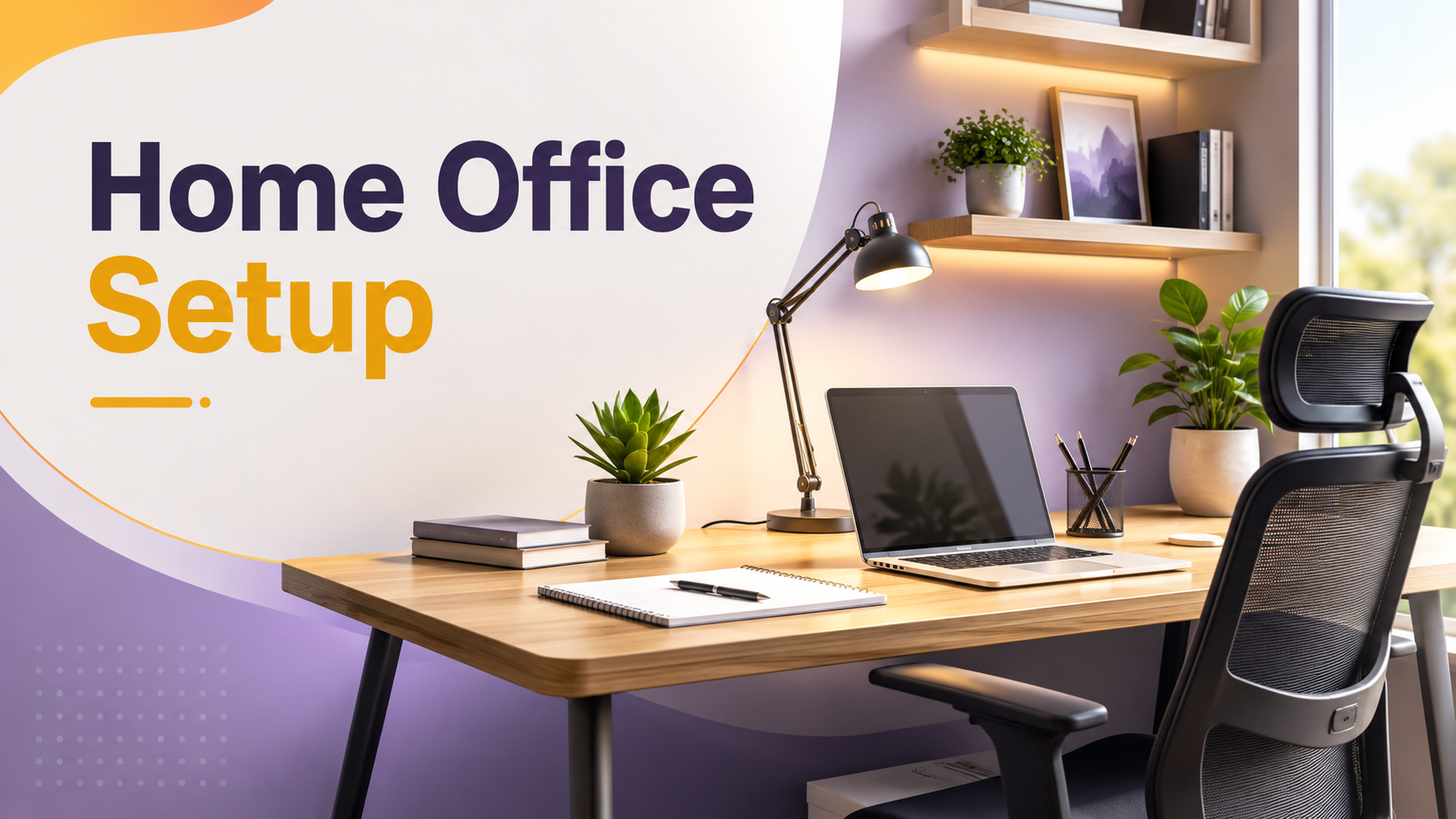
A comfortable workspace supports better focus, healthier posture, and a more enjoyable workday. Small improvements can make long hours at your desk feel easier while helping you stay productive without unnecessary strain.
Creating a home workspace that helps you stay comfortable through long workdays is about much more than placing a laptop on a desk. The way your workspace is arranged affects your posture, concentration, energy levels, and overall well-being. Whether you work remotely every day or occasionally from home, thoughtful design choices can reduce discomfort and improve your daily routine.
A productive workspace doesn’t require an expensive renovation. In many cases, adjusting your chair, improving lighting, organizing essential items, and reducing distractions can transform an ordinary room into a practical office that supports healthy work habits.
Why Comfort Matters During Long Workdays
Working for several hours without proper support often leads to neck pain, back stiffness, tired eyes, and reduced focus. A comfortable workspace helps minimize these problems by encouraging better posture and reducing unnecessary physical strain.
Comfort also improves productivity. When you spend less time adjusting your position or dealing with discomfort, it becomes easier to concentrate on meaningful work. Small improvements made today can benefit both your health and your performance over time.
Essential Elements of a Comfortable Home Workspace
Choose the Right Desk
Your desk should provide enough room for your computer, notebook, and daily essentials without feeling crowded. Keep frequently used items within easy reach to avoid repetitive stretching.
Supportive Seating
An adjustable chair with proper back support encourages natural posture. Ideally, your feet should rest flat on the floor while your elbows remain close to a ninety-degree angle.
Proper Lighting
Natural daylight is ideal whenever possible. If natural light is limited, combine ambient lighting with a quality desk lamp to reduce eye strain.
Monitor Placement
The top of your monitor should sit close to eye level. Keeping the screen at a comfortable viewing distance reduces neck movement throughout the day.
How to Create a Home Workspace That Helps You Stay Comfortable Through Long Workdays
Building an effective workspace involves making intentional choices rather than purchasing every available office accessory. Focus first on the changes that have the greatest daily impact.
Step 1: Select a Quiet Location
Choose an area with minimal interruptions whenever possible. Even a small corner can become an effective workspace if it remains organized and dedicated to work.
Step 2: Arrange Equipment Ergonomically
Position your chair, keyboard, monitor, and mouse so your body remains relaxed while working. Avoid leaning forward for extended periods.
Step 3: Improve Organization
Store cables, stationery, and documents neatly. A clean workspace makes it easier to find what you need while reducing visual distractions.
Step 4: Add Comfort Without Clutter
A small indoor plant, comfortable desk mat, or supportive footrest can improve your environment without overcrowding the space.
Step 5: Schedule Movement Breaks
Even the most comfortable workspace cannot replace regular movement. Stand, stretch, or walk briefly every hour to improve circulation and reduce stiffness.
| Workspace Element | Benefit |
|---|---|
| Ergonomic Chair | Supports healthy posture during extended sitting. |
| Desk Lamp | Improves visibility and reduces eye fatigue. |
| Monitor Stand | Keeps the screen closer to eye level. |
| Indoor Plant | Adds a pleasant atmosphere and visual balance. |
| Cable Organizer | Creates a cleaner, safer workspace. |
Simple Habits That Keep Your Workspace Comfortable
Comfort depends on daily habits as much as furniture. Begin each morning by adjusting your chair and screen before starting work. Keep water nearby, open a window for fresh air when possible, and avoid sitting in the same position for several hours.
Regular stretching, blinking frequently while using screens, and keeping your desk tidy all contribute to a healthier work environment. These routines require little effort but can make long workdays feel much more manageable.
Common Mistakes to Avoid
- Working from the couch every day instead of using a stable desk.
- Ignoring chair height and monitor positioning.
- Allowing cables and paperwork to create unnecessary clutter.
- Working for hours without standing or stretching.
- Using poor lighting that causes eye fatigue.
- Adding too many decorative items that reduce usable workspace.
Workspace Comfort Checklist
- ✔ Chair supports your lower back.
- ✔ Monitor is positioned near eye level.
- ✔ Keyboard and mouse are comfortable to reach.
- ✔ Lighting is bright without creating glare.
- ✔ Frequently used items stay within arm’s reach.
- ✔ You take regular movement breaks throughout the day.
Helpful Resource: OSHA Ergonomics
Frequently Asked Questions
Do I need expensive furniture for a comfortable home workspace?
No. Proper arrangement and thoughtful adjustments often improve comfort more than expensive equipment.
How often should I take breaks?
Standing or stretching briefly every hour helps reduce stiffness and supports better circulation during long workdays.
Can a small room become an effective workspace?
Yes. A compact area with good organization, proper lighting, and ergonomic positioning can be highly productive.
Should my workspace include decorations?
A few simple decorations such as a small plant or artwork can create a pleasant atmosphere without creating clutter.
Conclusion
Learning how to create a home workspace that helps you stay comfortable through long workdays begins with practical improvements rather than major renovations. A supportive chair, organized desk, proper lighting, and healthy daily habits work together to create an environment that encourages focus and reduces physical strain. By making thoughtful adjustments and maintaining simple routines, you can build a workspace that remains comfortable, efficient, and enjoyable throughout every workday.