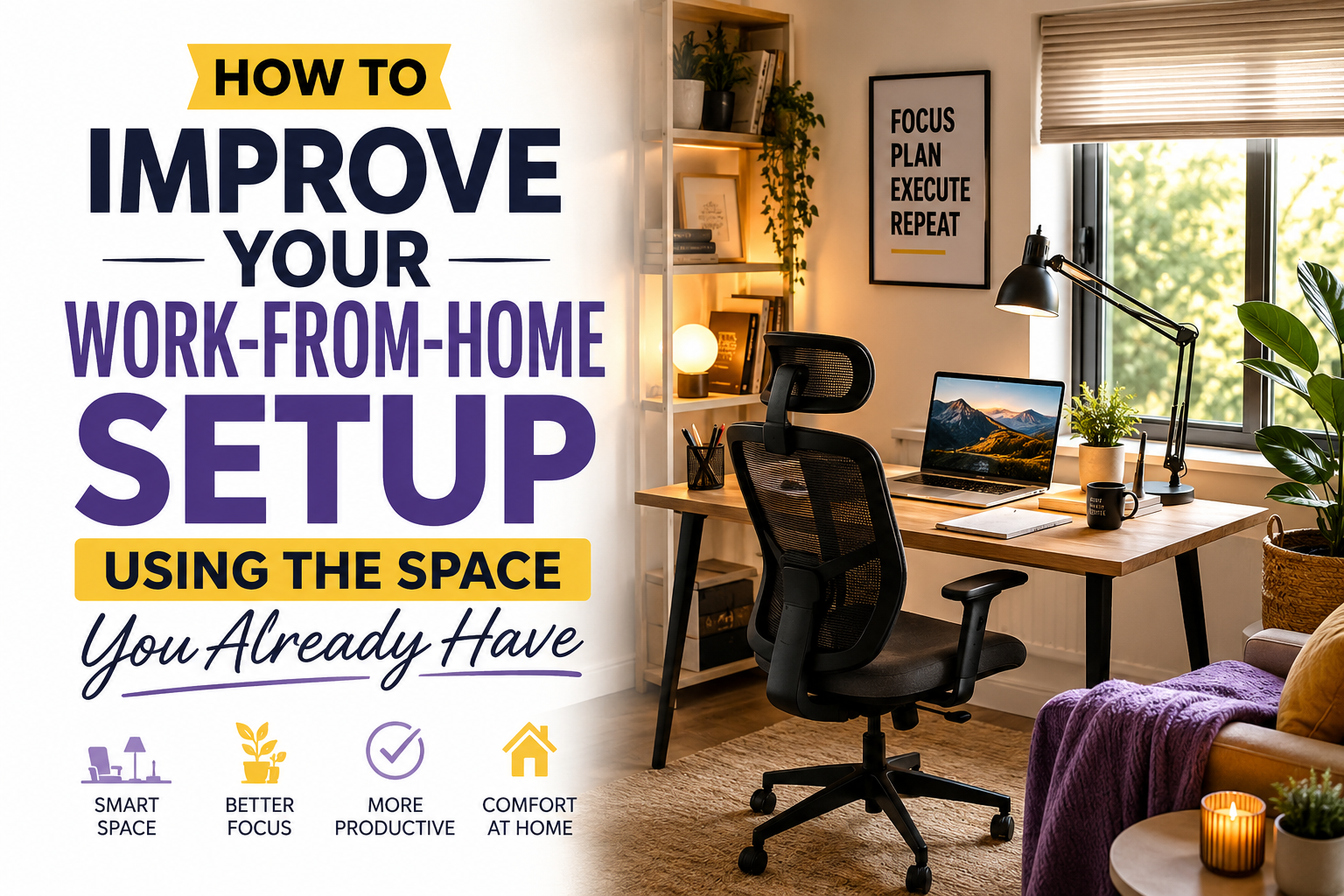
You don’t need a larger home or expensive office furniture to create a better workspace. Smart organization and thoughtful adjustments can transform the space you already have into a productive work environment.
Many people believe they need a dedicated office or costly upgrades to work comfortably from home. In reality, how to improve your work-from-home setup using the space you already have is often about making better use of existing furniture, available light, and simple organization techniques. Small changes can have a significant impact on comfort, productivity, and daily workflow.
Whether you’re working from a spare bedroom, living room corner, or shared family space, thoughtful planning allows you to create an efficient workstation without major renovations or unnecessary expenses.
Why Your Existing Space Can Work Better
A productive workspace depends more on layout than square footage. Even compact areas can become effective home offices when furniture is arranged efficiently and clutter is minimized.
Instead of focusing on what your space lacks, identify ways to improve its functionality. Better lighting, improved storage, and ergonomic positioning often provide greater benefits than purchasing additional furniture.
How to Improve Your Work-from-Home Setup Using the Space You Already Have
Use Natural Light Whenever Possible
Position your desk near a window to take advantage of daylight. Natural lighting helps reduce eye strain while making your workspace feel brighter and more inviting.
Rearrange Existing Furniture
Before buying anything new, experiment with different furniture layouts. Sometimes moving your desk or chair a short distance creates a much more comfortable working environment.
Keep Only Daily Essentials Nearby
A clear desk supports better concentration. Store rarely used supplies elsewhere while keeping frequently used items within easy reach.
Create Vertical Storage
Wall shelves, pegboards, or stackable organizers increase storage without using additional floor space.
Improve Cable Management
Neatly organized cables instantly make a workspace appear cleaner and easier to maintain.
Simple Steps to Upgrade Your Workspace
Step 1: Evaluate Your Current Setup
Spend a day observing how you work. Notice what feels uncomfortable, what causes distractions, and which items you use most frequently.
Step 2: Improve Ergonomics
Adjust your chair height, monitor position, and keyboard placement so your body remains relaxed during long work sessions.
Step 3: Reduce Clutter
Remove unnecessary decorations, old paperwork, and unused office supplies. A cleaner desk promotes clearer thinking.
Step 4: Organize Storage
Use drawers, baskets, or storage boxes to separate office supplies into logical categories.
Step 5: Personalize the Space
Add a small plant, framed photo, or artwork to create a pleasant environment without overcrowding the workspace.
| Improvement | Benefit |
|---|---|
| Desk Near Window | Provides better natural lighting. |
| Wall Shelves | Creates extra storage without using floor space. |
| Cable Organizer | Keeps the workspace neat and safe. |
| Monitor Stand | Improves viewing height and creates storage underneath. |
| Storage Boxes | Help organize office supplies efficiently. |
Daily Habits That Keep Your Workspace Efficient
Maintaining an organized workspace takes only a few minutes each day. Return supplies to their proper place, wipe your desk clean, and prepare materials for tomorrow before finishing work.
These small habits prevent clutter from accumulating and make it easier to begin each workday with a clean, organized environment that supports productivity.
Common Mistakes to Avoid
- Buying new furniture before improving your current layout.
- Keeping unnecessary items on your desk.
- Ignoring lighting conditions.
- Using uncomfortable seating for long work sessions.
- Allowing cables to remain tangled.
- Failing to organize frequently used supplies.
Work-from-Home Setup Checklist
- ✔ Desk receives adequate lighting.
- ✔ Chair supports healthy posture.
- ✔ Monitor sits near eye level.
- ✔ Office supplies are neatly organized.
- ✔ Cables are secured and hidden.
- ✔ Workspace stays clean after each workday.
Helpful Resource: OSHA Ergonomics
Frequently Asked Questions
Can I improve my workspace without buying new furniture?
Yes. Rearranging furniture, improving organization, and optimizing lighting often produce noticeable improvements at little or no cost.
What is the easiest workspace upgrade?
Clearing desk clutter and adjusting your monitor and chair are among the quickest improvements you can make.
How important is natural light?
Natural light helps reduce eye strain, improves visibility, and creates a more pleasant working environment.
How often should I reorganize my workspace?
A brief daily cleanup and a more thorough monthly review help keep your workspace efficient and comfortable.
Conclusion
How to improve your work-from-home setup using the space you already have starts with thoughtful organization rather than expensive upgrades. By making better use of available space, improving ergonomics, reducing clutter, and creating simple daily routines, you can build a workspace that supports comfort, productivity, and long-term success without needing a larger room or a bigger budget.